How It Works
Get started in 4 simple steps — from signup to receiving your first order.
How Clicka360 Works for Your Business
Set up your digital menu, receive orders via WhatsApp, and manage everything easily — without technical skills.

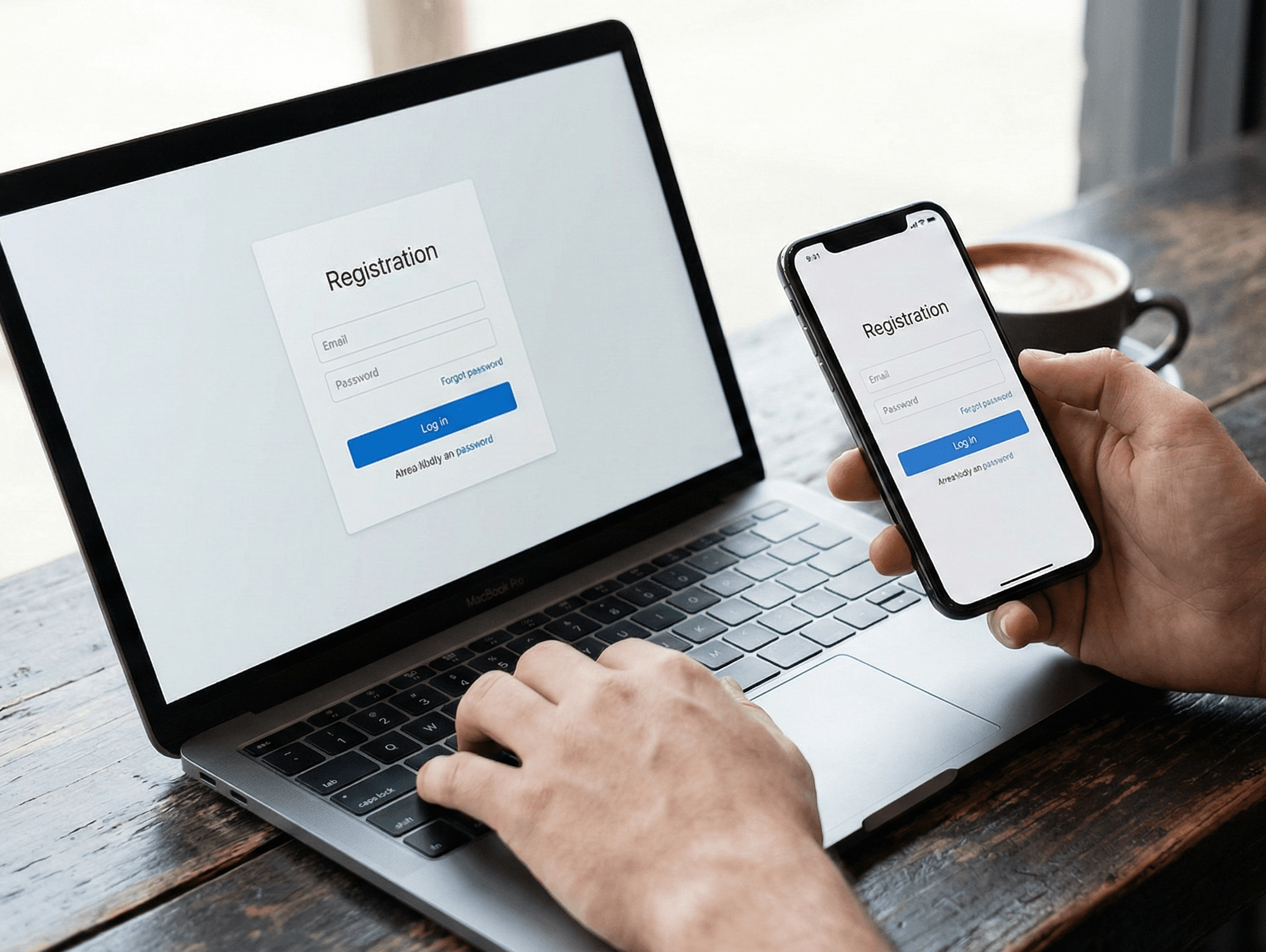
Create Your Vendor Account
Sign up, choose your plan, and set up your business profile in minutes.
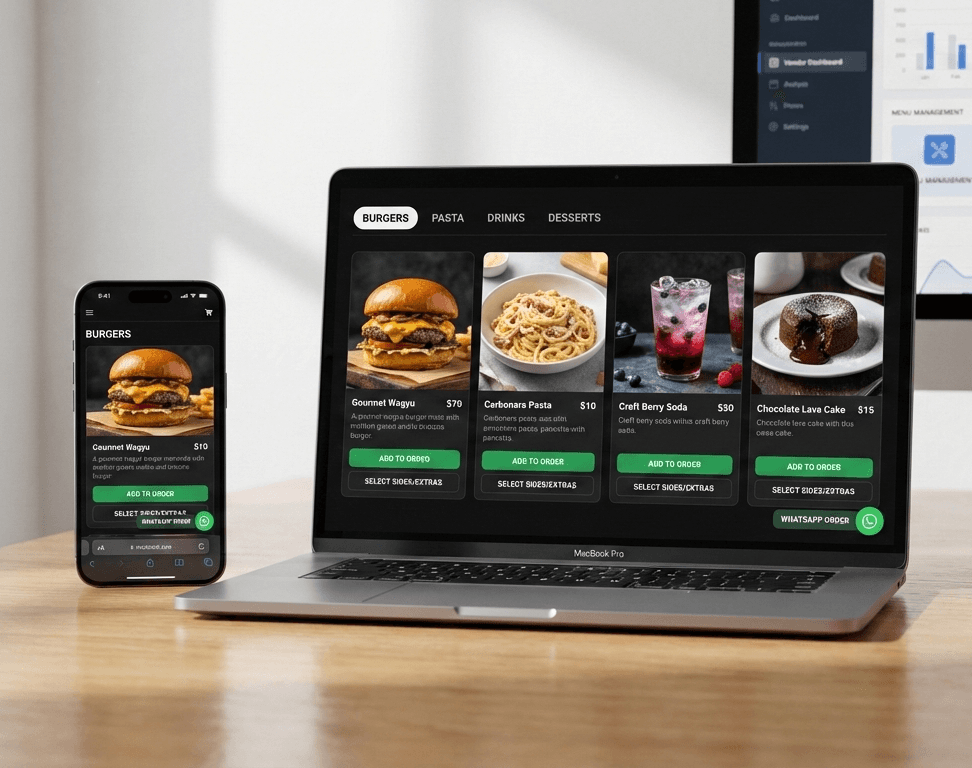
Add Your Menu or Services
Add your products or services, create categories, set prices, and upload images from your vendor dashboard. No technical skills needed.
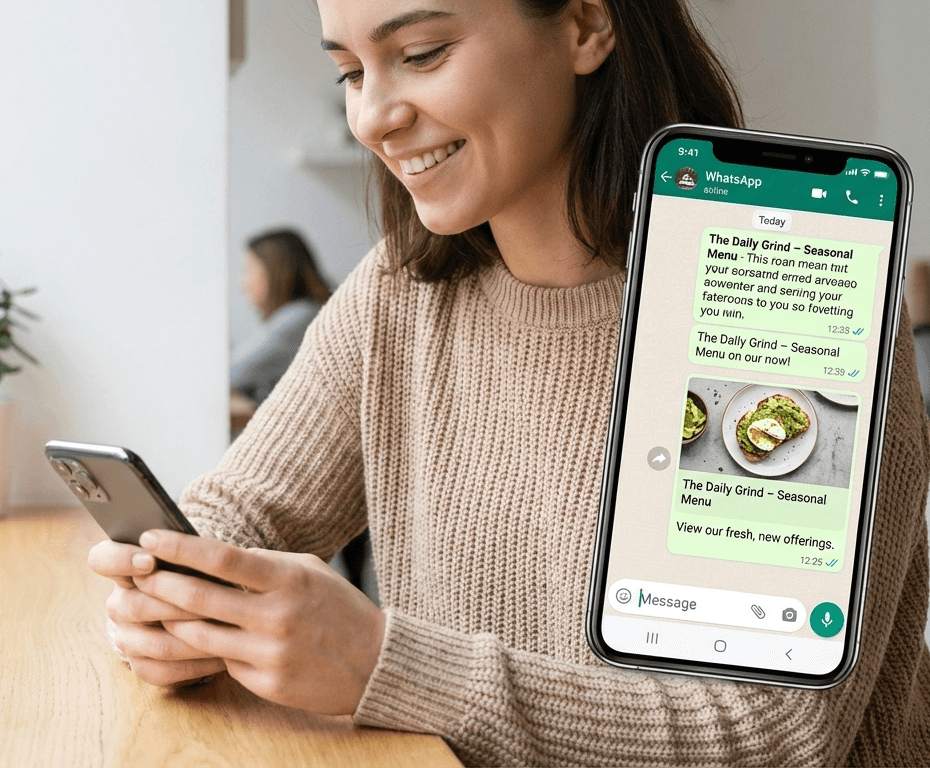
Share Your Menu Link
Your business gets a unique link (subdomain). Share it on WhatsApp, Instagram, Google, or anywhere your customers are.
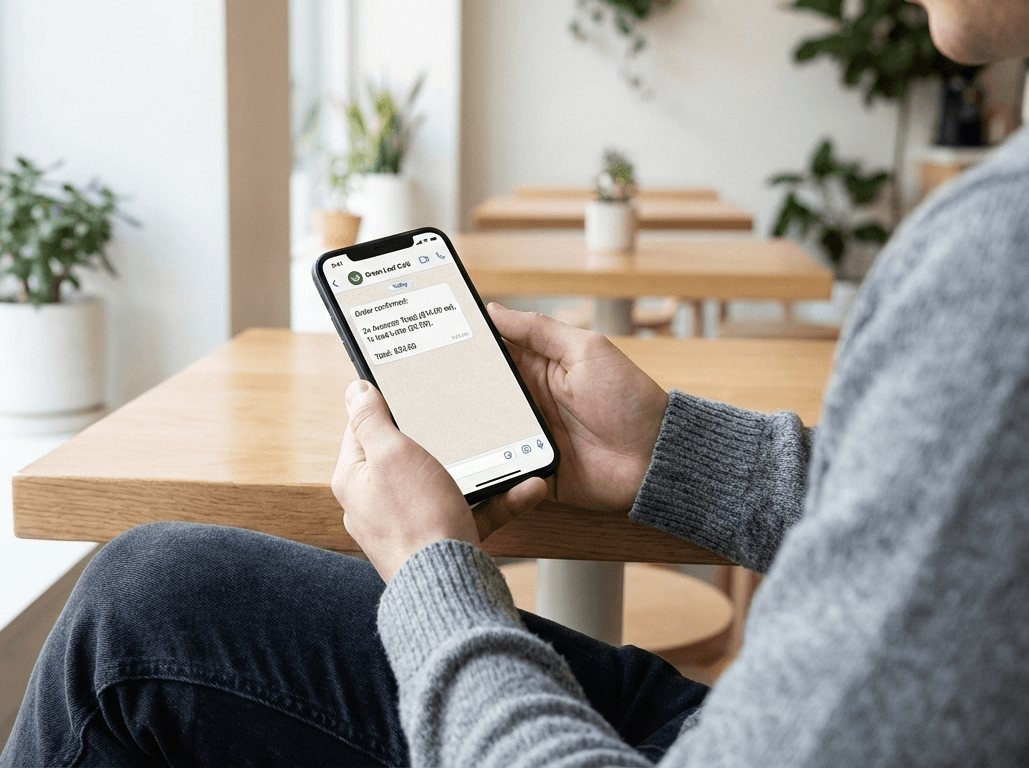
Get Orders Instantly
Customers select items, add notes, and send their order directly to your WhatsApp with all details clearly formatted.

Track & Improve
View basic statistics like visits and clicks. Upgrade your plan anytime to unlock cart orders, analytics, and custom domains.
Ready to Grow Your Business?
Join our vendor program and get your own online menu/store, WhatsApp ordering integration, and a customizable page.